Example G-4: Requesting Periodic BCs
In this example, the graphical user interface (GUI) is used to create a filled 2D part with periodic boundary conditions. This example mirrors Example B-3.
The structure is two dimensional with a shape of 50×100 voxels and has a base material of 1 and a voxel size of 0.02 units in all directions. The parameter log_debug is set to True for demonstration purposes.
Afterwards, the periodic boundary conditions is requested in the Boundary Conditions tab.
The part is then exported to an Abaqus™ input file in 2D mode with CPE4R elements. The Non-Empty elements (which happens to be the whole model), are requested to be exported.
The following figures show the various tabs of the GUI in this example:
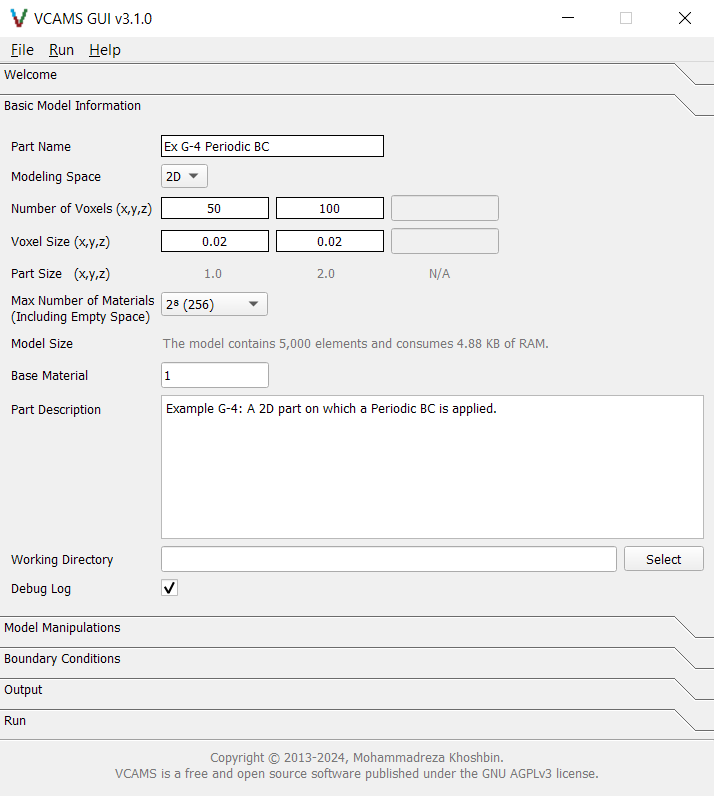
Fig. 43 The GUI’s “Basic Model Information” tab for Example G-4.
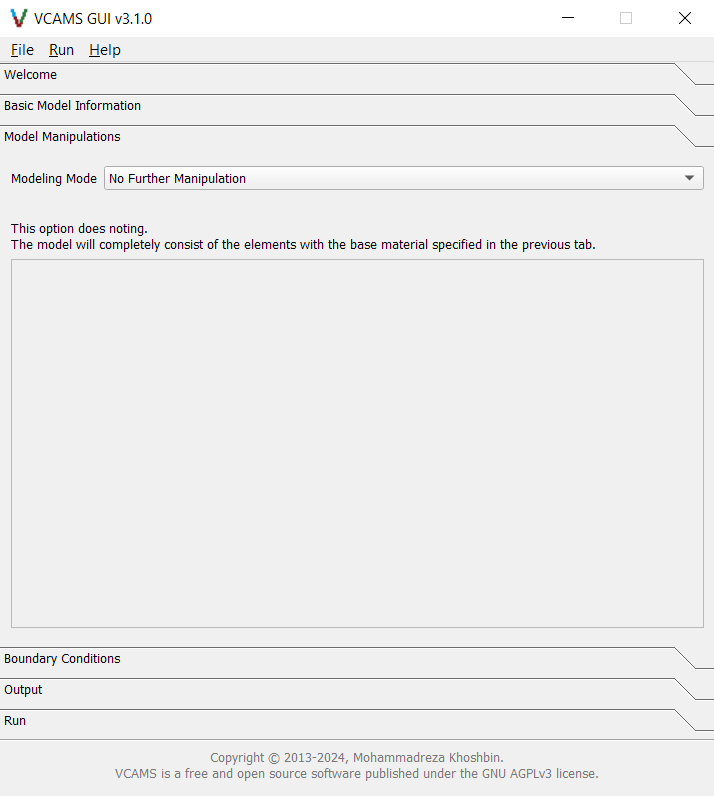
Fig. 44 The GUI’s “Model Manipulations” tab for Example G-4.
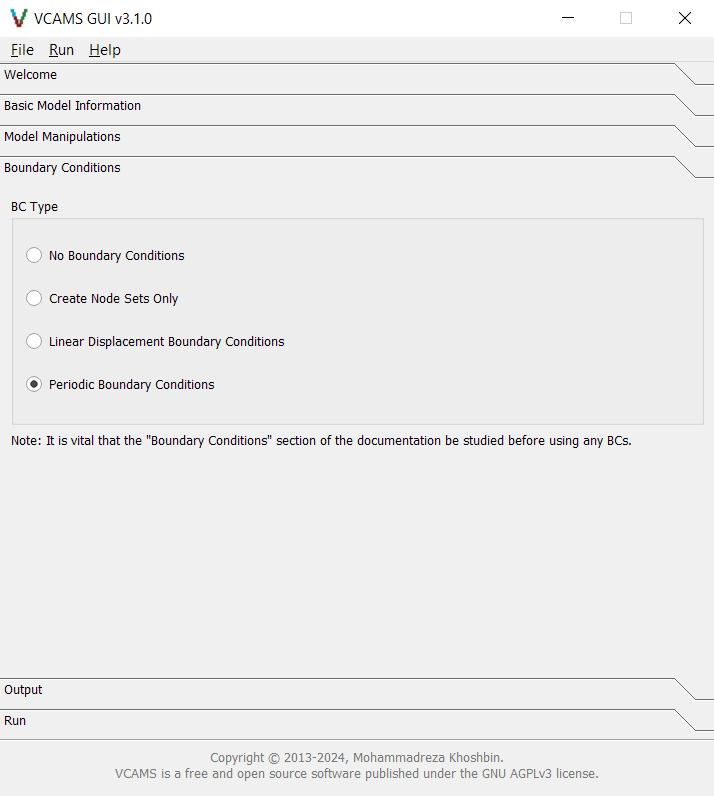
Fig. 45 The GUI’s “Boundary Conditions” tab for Example G-4.
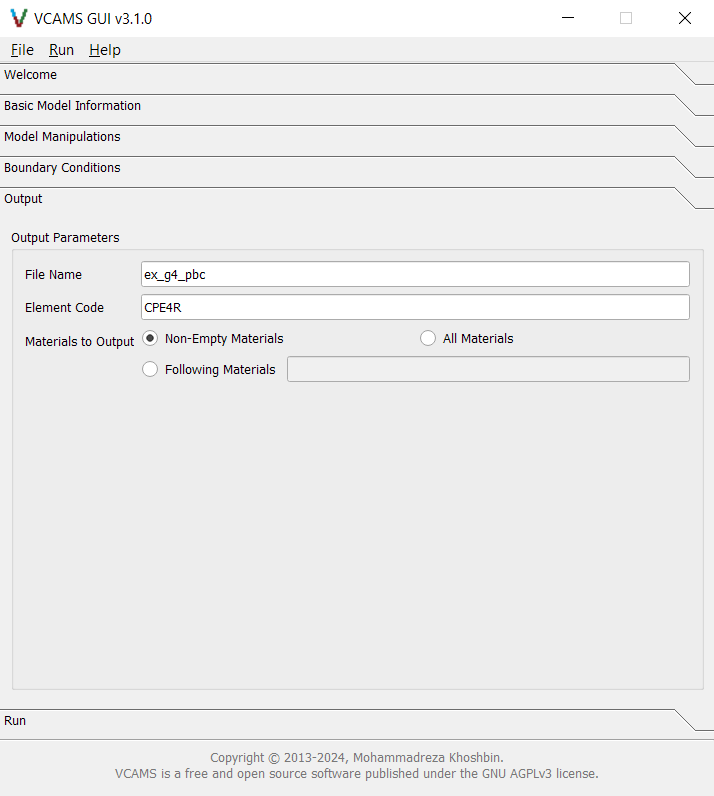
Fig. 46 The GUI’s “Output” tab for Example G-4.
After filling the form, the model can be created by pressing the “Create Model” button. The screen automatically switches to the Run tab and will show the program log.
At the end of the process, a dialog box announces the completion and gives the path to the output file.
Also, the program log and a summary of model information will be shown in the Process Log section of the Run tab. It will also be written to a .log file in the output folder.
Finally, a configuration file based on the examples will be written to the output folder
and can be used to import the model in the future.
It will look like this.